Computer labs and printing on campus
This shows how to get full use from the computers and printers your college already provides. Labs, print allowances and library equipment can cover much of the work a term requires, which can spare you the cost of a home printer, ink and some software.
What the labs offer
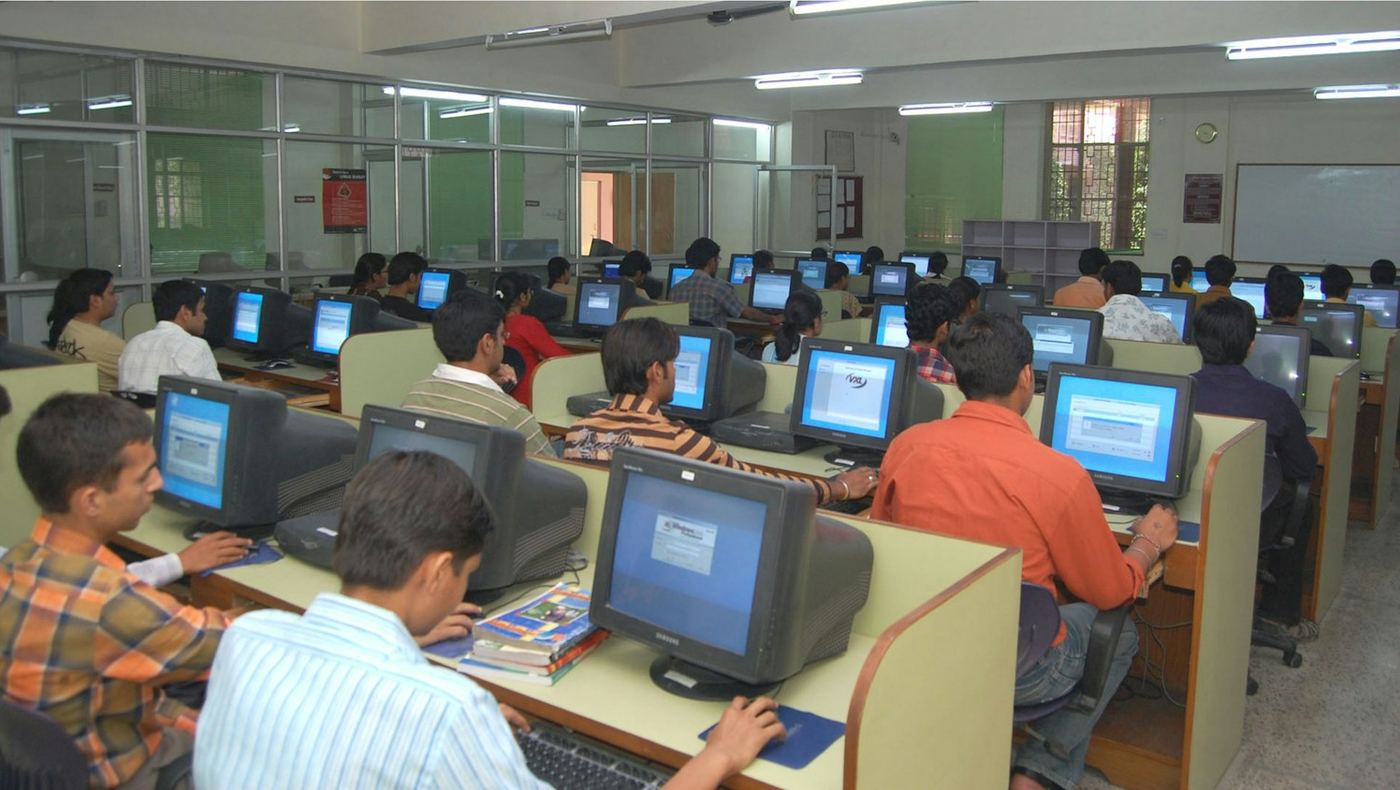
Most campuses keep open computer labs in the library and in academic buildings, along with specialized labs for departments such as engineering, art or media. Lab computers usually carry the licensed software your courses use, including programs too heavy or too costly to install on a personal laptop.
Lab hours change across the term, often stretching later near finals and shrinking over breaks. Check the posted schedule, and ask the IT help desk whether any lab stays open around the clock or can be reached through a virtual desktop from home.
Printing quotas and charges
Many colleges give each student a printing allowance for the term, counted in pages, and charge per page once it runs out. Others charge for every page from the start, through the student ID card or a balance on the student account. Color pages and large-format prints usually cost more than black-and-white pages.
Print jobs at many campuses wait in a queue until you release them at a printer with your ID card, so a document sent by mistake can be deleted before it uses your allowance. Print on both sides when the settings allow it, and check whether instructors accept work submitted online instead of on paper.
Color pages and large-format prints usually cost more than black-and-white pages.
Scanners, study rooms and small equipment
Libraries often have scanners that send pages to your email at no charge, which helps with forms the aid office asks you to sign and return. Some lend headphones, webcams, chargers, calculators and other small items by the hour or the day, and many let you reserve a quiet room with a large screen for group work.
Students with a disability can ask the disability services office about assistive software and accessible workstations in the labs. Many campuses keep screen readers, dictation programs and adjustable desks in at least one lab, and the office can say which one.

What you can do this week
- Find the lab hours posted for this term
- Check your printing allowance on your ID card or student account
- Use the library scanner for aid forms
- Ask whether your heaviest software runs in a lab
Who to ask
The IT help desk and the campus library
Worth remembering : Campus labs, printers and scanners can cover a large share of a term's tech needs before you buy anything yourself.