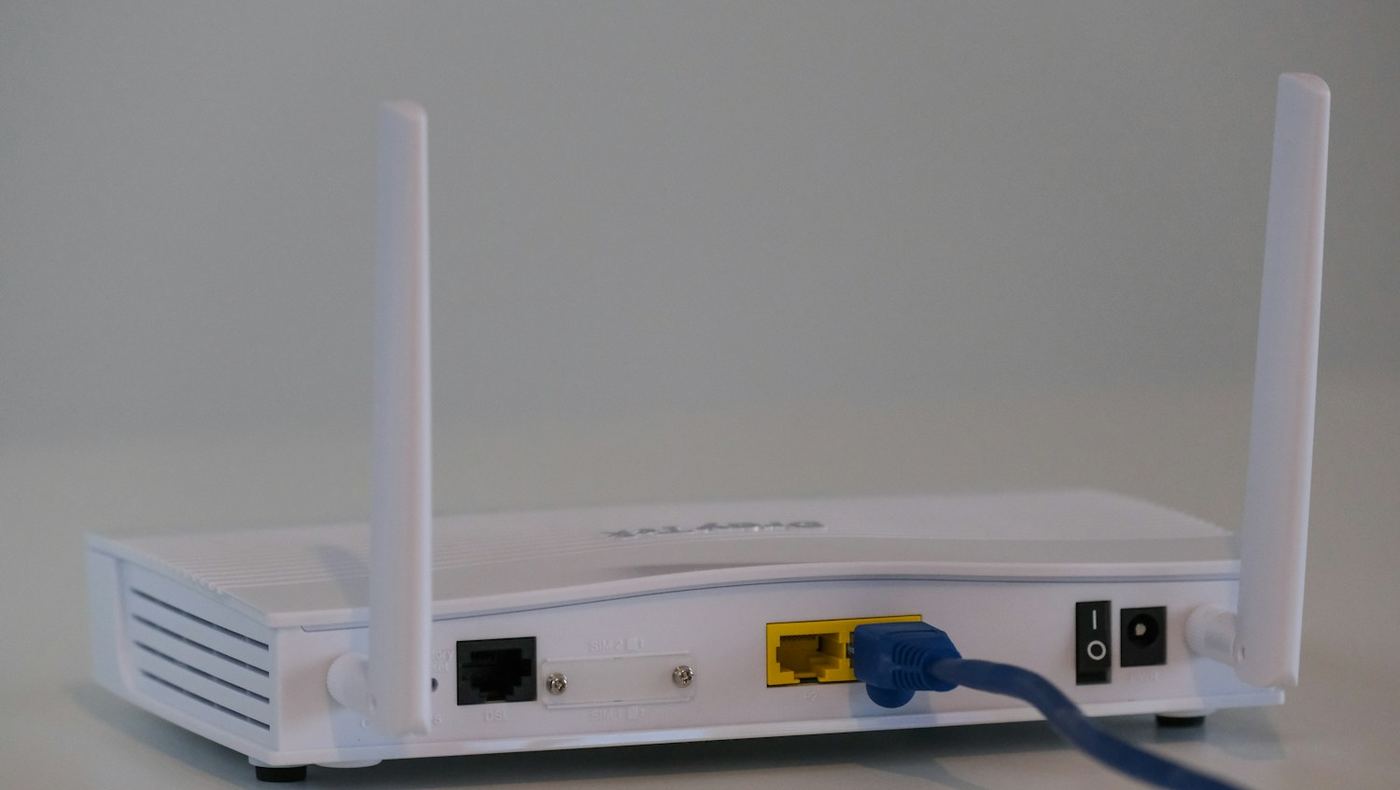
Home internet on a student budget
Use this to find a home internet setup that handles online classes without straining a monthly budget. It covers the discount plans offered to households in certain benefit programs, the federal Lifeline program, and how to split or replace a home connection.
What online coursework needs
Video lectures, live classes and large file uploads need a steady connection more than the fastest one an internet provider sells. Ask the IT help desk or your instructors what speed they suggest for video classes, then compare that with the plans available at your address.
Count the people who share the connection. A household where several people stream or join video calls at the same time needs more capacity than one student alone, who may manage well on a basic tier.
Discount plans and the Lifeline program
Many internet providers offer low-cost plans to households that take part in programs such as SNAP, Medicaid or the National School Lunch Program, and some list Federal Pell Grant recipients too. Each provider sets its own rules and speeds, so ask the providers serving your address what they offer and what proof they want.
The FCC's Lifeline program lowers a monthly phone or internet bill for households with low income or that receive certain federal benefits, and Federal Pell Grant recipients in the current award year are among the groups it lists. It allows one benefit per household. You apply through the National Verifier on the program's official website or through a participating provider, and the program decides each application.
The Affordable Connectivity Program, a separate federal discount on internet bills, ended in 2024 and takes no applications. Treat any offer that uses its name today with caution.
It allows one benefit per household.
Sharing or replacing a connection
Roommates can split one home plan, with one person's name on the account and a written agreement on who pays which share each month. A student who lives close to campus may find that campus Wi-Fi, the library and a phone's data cover most needs without a home plan.
Read the contract before you sign. Look for an end date, equipment rental charges, a price that rises after an introductory period, and the charge for leaving early, since a move at the end of the year can set it off.
What you can do this week
- Ask instructors what speed video classes need
- Ask local providers about their low-income plans
- Read the Lifeline rules on the program's official website
- Check the contract for early cancellation charges
Who to ask
The internet providers at your address and the Lifeline program
Worth remembering : Pay for the connection your classes actually need, and ask about low-income plans and Lifeline before signing a contract.